FREE
- 16 static bands and 14 filter types.
- Natural Phase, listening, Output Gain, Bypass and High Quality.
- Analyzer, settings, Undo and Redo.
- 261 non-automatable parameters.
- VST3 and AU on macOS.
- Evaluation notice and comparison with PRO.
16 bands. Two phase engines. Per-band dynamics.
A dynamic parametric equalizer for mixing and mastering. Precision filters, Analog saturation and an FFT analyzer in a single window.
 Windows
 macOS
 Linux
The instrument
Studio EQ is a 16-band parametric equalizer for mono or stereo tracks. Each band can work in Stereo, Mid, Side, Left or Right, with 14 filter types and up to 120 dB/oct slope.
01 / Equalization
Shape each band your way: choose the frequency, set the gain and decide how wide the curve should be. When you create a band, Studio EQ suggests the shape that fits that part of the spectrum, and you can change it whenever you want. Each band keeps its place in stereo, mid, side, left or right.
02 / Phase and quality
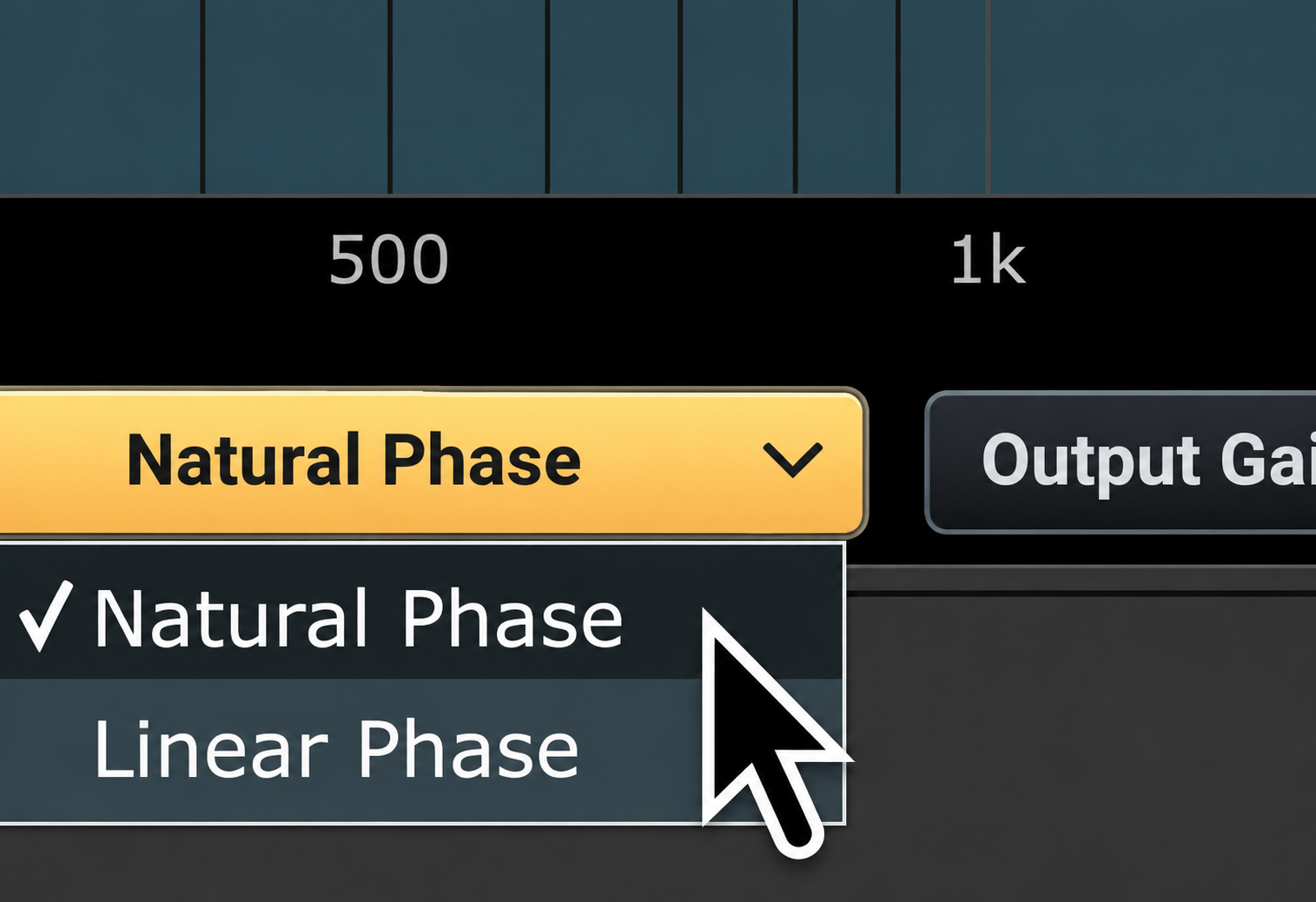
Studio EQ gives you two phase engines. Natural Phase is the direct route: low latency and the character of each filter. Linear Phase takes its time, but keeps the phase aligned and the same delay across all bands.
03 / Dynamics
Each band can move with the signal level. Choose whether the detector listens to the main mix or an auxiliary track, and set the threshold, attack, release and how much the band moves.
04 / Analog
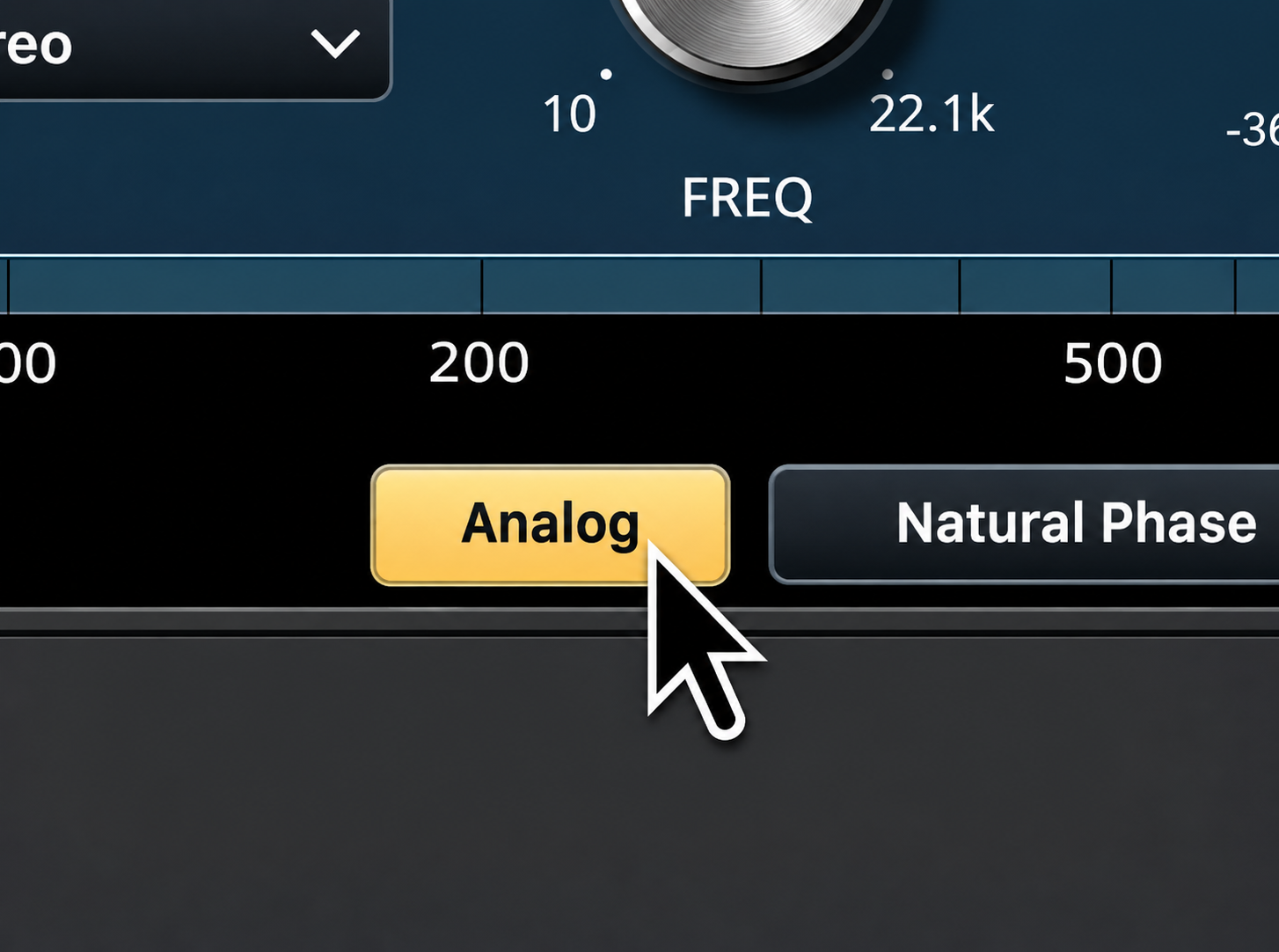
Analog adds soft saturation that responds to input level. It has its own oversampling and DC correction, and adds no noise.
05 / Output and utilities
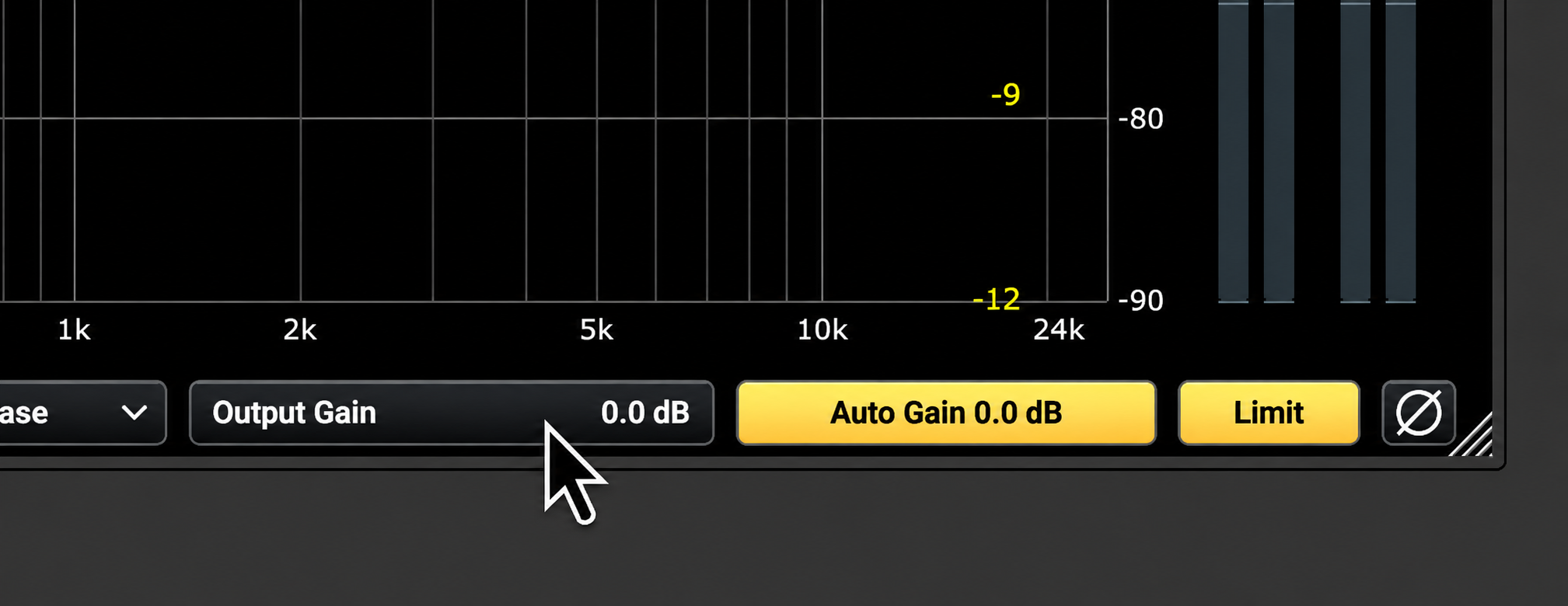
The output stage brings together manual gain, automatic compensation, limiter, polarity and bypass. Each control has a specific job and does not alter the band settings.
06 / Analyzer
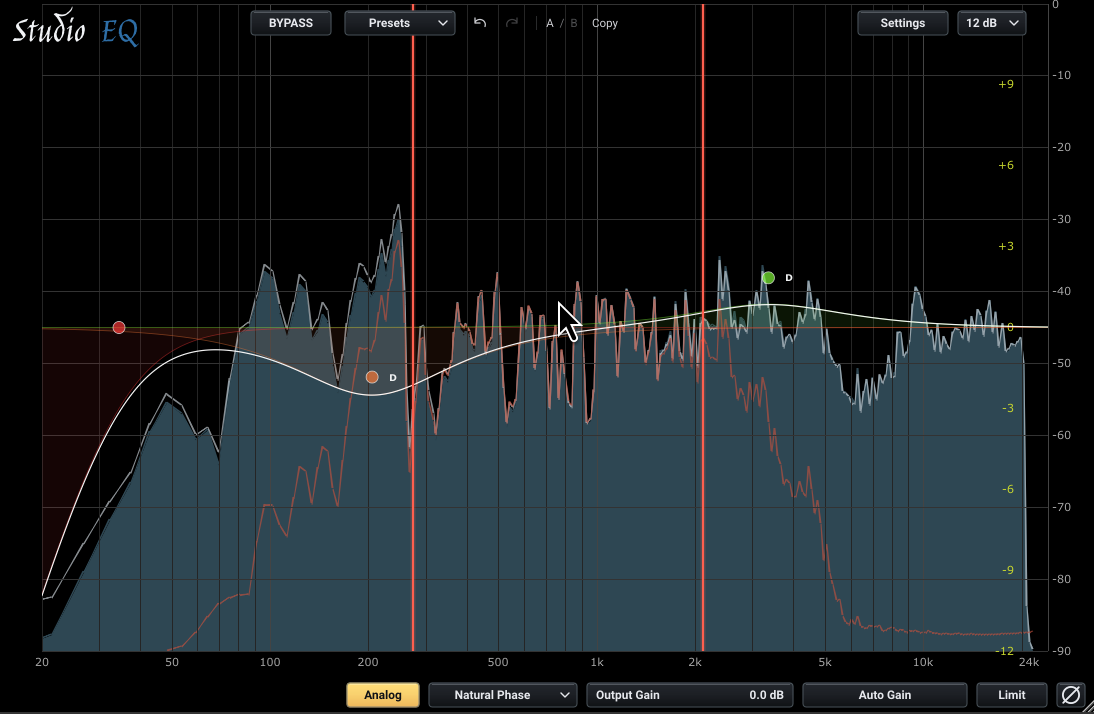
The analyzer is a core part of Studio EQ. In the same curve view it shows the live signal, the spectrum before equalization and the modified result, so you can compare what goes in with what comes out. From there you can switch channels and adjust the range, tilt and resolution for better equalization.
07 / Listen
LISTEN isolates the selected band zone. You can also explore a free zone without creating a band.
08 / Presets and sessions
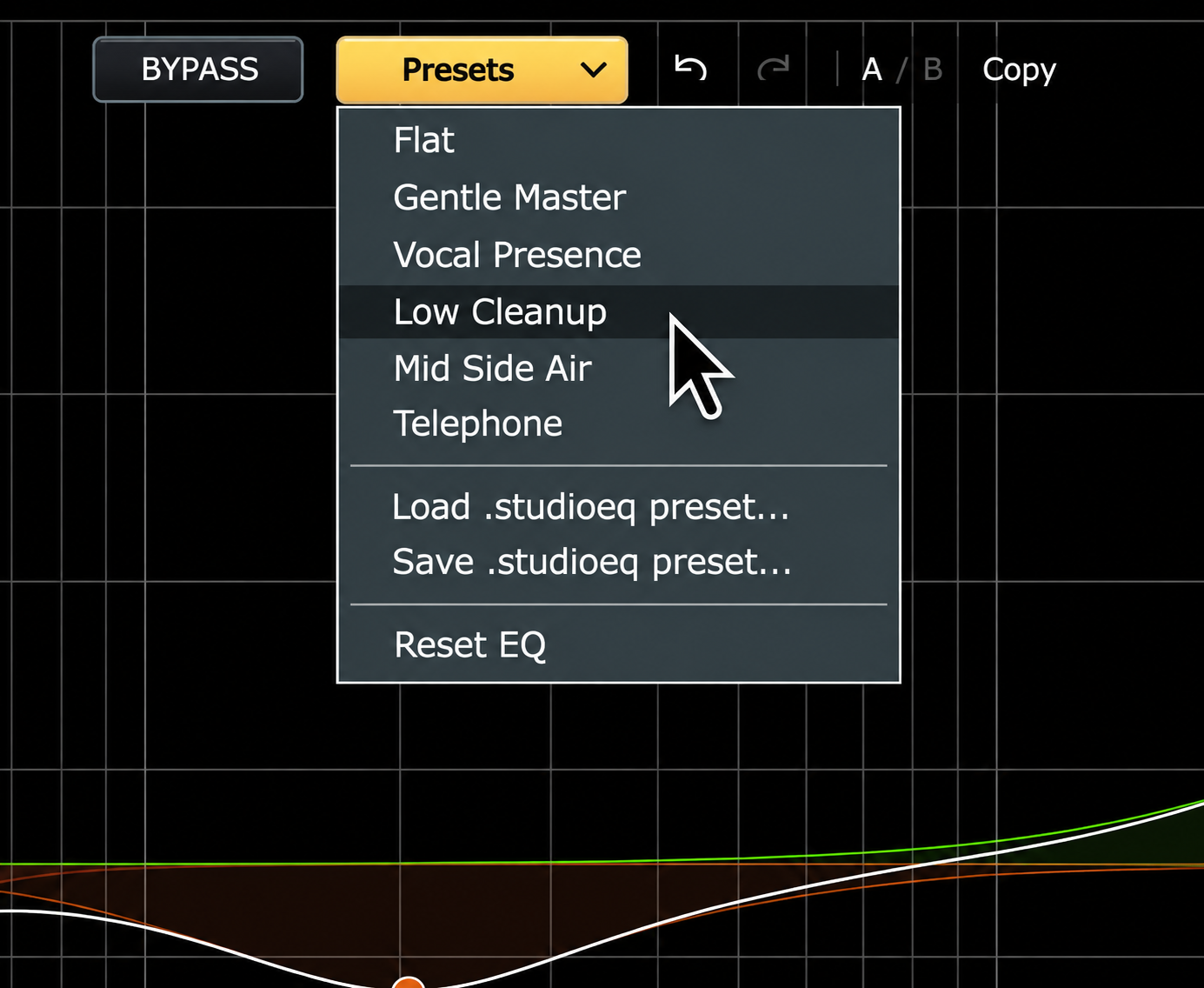
Factory presets and user presets. The equalizer keeps the parameters saved in the session, the window size, the selection, the meter types, and so on.
09 / Editions
Both editions share the same audio engine. FREE includes the static equalizer and analysis; PRO adds Dynamics, Analog, Linear Phase, automation and the standalone application.
10 / Requirements
Studio EQ supports the following formats: VST3, AU and the standalone application for Windows, Linux and macOS.
11 / Manuals
Studio EQ 1.1.2 documentation in Spanish, English and Portuguese.
Version 1.1.2
Coming soonVersion 1.1.2
Coming soonVersion 1.1.2
Coming soonOfficial release
Download the FREE edition or buy PRO from the downloads page.
Download Studio EQWindows
macOS
Linux